October 13, 2025
Securing media coverage for your event or campaign is a powerful way to amplify your message, reach a broader audience, and build credibility. However,...


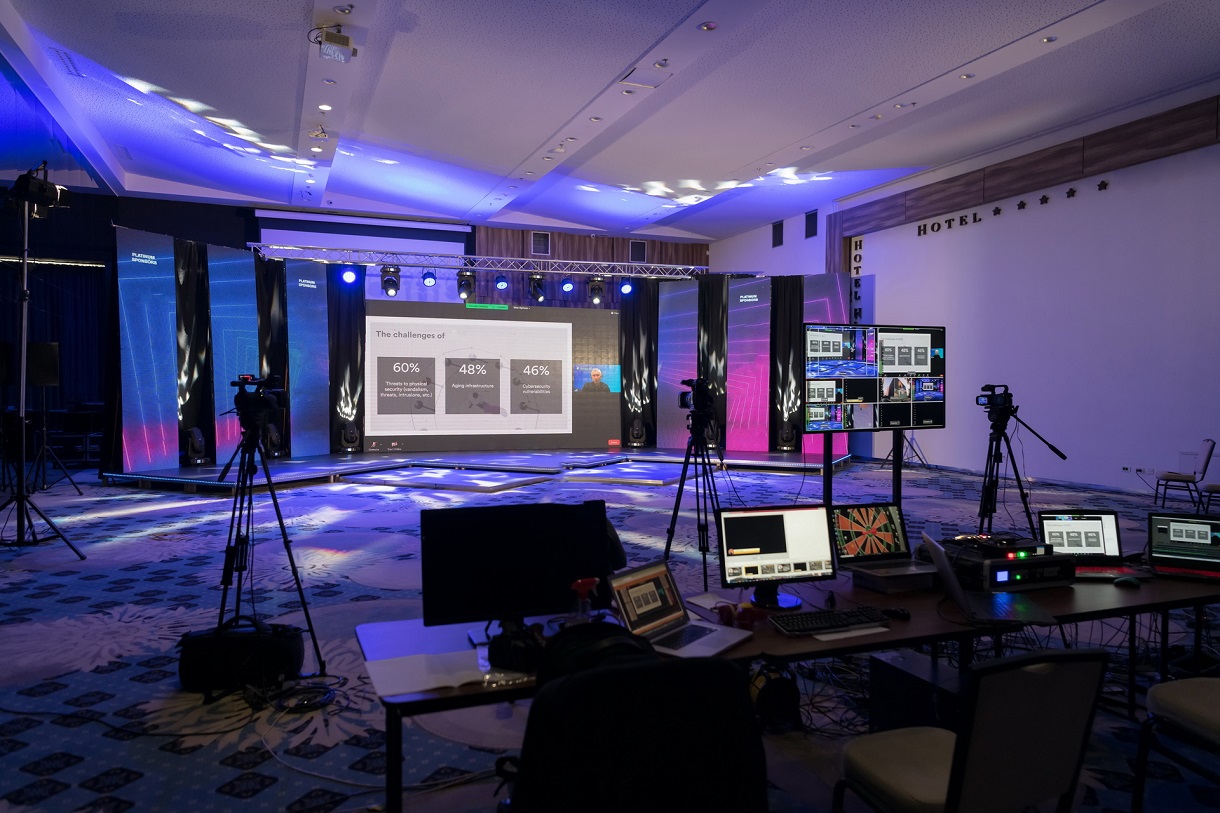
Live streaming has become an essential tool for organizations, businesses, and event planners looking to connect with audiences beyond physical boundaries. Whether it’s a conference, webinar, product launch, or community event, hosting a seamless live stream ensures maximum engagement and a professional experience. Here’s a step-by-step guide on how to host a flawless live streaming event.
A smooth live stream enhances your event’s credibility and keeps viewers engaged. Technical glitches such as poor video quality, buffering, or audio issues can distract your audience and damage your brand reputation. On the other hand, a well-executed live stream creates a real-time connection, boosts audience participation, and extends your event’s reach globally.
1. Plan Thoroughly
Begin by defining your event goals, target audience, and streaming platforms. Decide whether your event will be fully virtual, hybrid, or purely in-person with a live stream component. Planning ahead helps anticipate challenges and align resources effectively.
2. Choose the Right Equipment
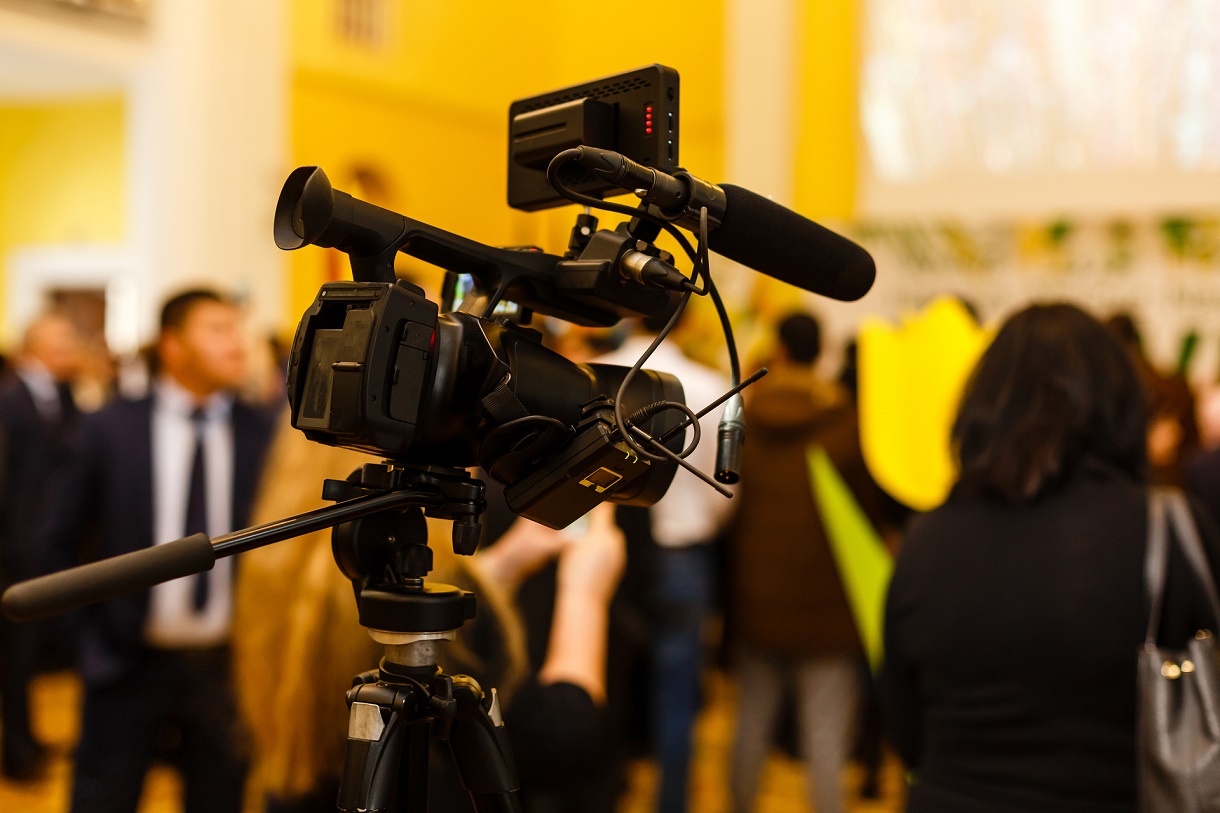
Quality matters. Invest in professional cameras, microphones, lighting, and streaming hardware to ensure crisp visuals and clear sound. Avoid relying solely on smartphones or consumer-grade equipment for important events.
3. Secure a Reliable Internet Connection
A stable and fast internet connection is crucial. Use a wired Ethernet connection instead of Wi-Fi whenever possible to minimize disruptions. Test your upload speeds ahead of time to ensure they meet streaming requirements.
4. Select a Trusted Streaming Platform
Popular platforms like YouTube Live, Facebook Live, Zoom, and LinkedIn Live offer varying features. Choose one that suits your event type, audience size, and interaction needs, such as live chat, polls, or Q&A sessions.
5. Conduct Technical Rehearsals
Run full rehearsals with your team and presenters to troubleshoot issues, check audio-visual synchronization, and practice transitions. Dry runs reduce the risk of on-air mistakes and boost confidence.
6. Engage Your Audience
Use interactive tools like live polls, Q&A, and chat functions to keep viewers involved. Encouraging real-time interaction helps build community and maintains attention throughout the stream.
7. Monitor the Stream Live
Assign team members to oversee the broadcast, manage technical aspects, and respond to audience queries. Prompt troubleshooting and moderation ensure a smooth viewer experience.
8. Record and Repurpose Content
Always record your live stream for post-event use. Repurpose the footage into highlights, educational clips, or promotional videos to extend your content’s lifespan and reach.
Successful live streaming requires technical expertise, experience, and the right tools. Partnering with professional audiovisual companies like Ninai Media guarantees top-notch production quality, flawless execution, and comprehensive support.
Ninai Media has over a decade of experience powering live and hybrid events across Africa. We handle everything from setup and streaming to audience engagement and post-event editing, ensuring your event runs seamlessly from start to finish.
Hosting a seamless live stream event is achievable with careful planning, the right equipment, and expert support. By prioritizing quality and audience engagement, you can create an immersive experience that broadens your event’s impact and strengthens your brand.
Securing media coverage for your event or campaign is a powerful way to amplify your message, reach a broader audience, and build credibility. However,...
In today’s competitive fundraising landscape, organizations are constantly seeking innovative ways to connect with donors and communicate their impact effectively. One of the most...